A simple ‘Related Posts’ plugin that lets you select posts manually. Supports any post types in WordPress, including custom ones. After a long time spent trying many variations on the same theme, a friend pointed me in the right direction. Works straight out of the box with a wealth of advanced options for the seasoned user.

Related Posts Setup
-
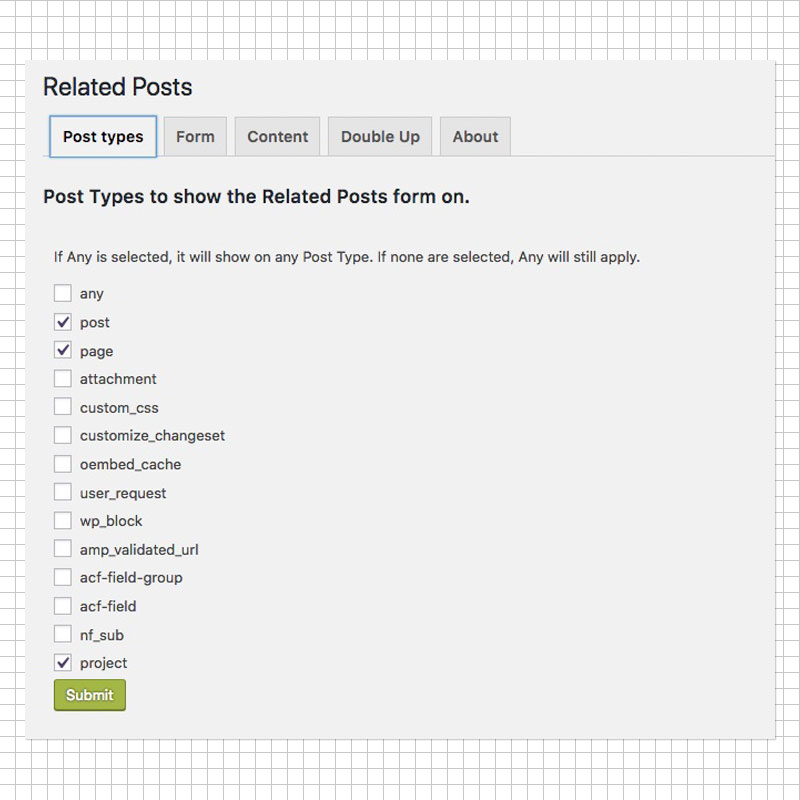
Figure 01 – Post Types Panel
Select the Post Types you would like the option for Related Posts to show up in the management pages. -
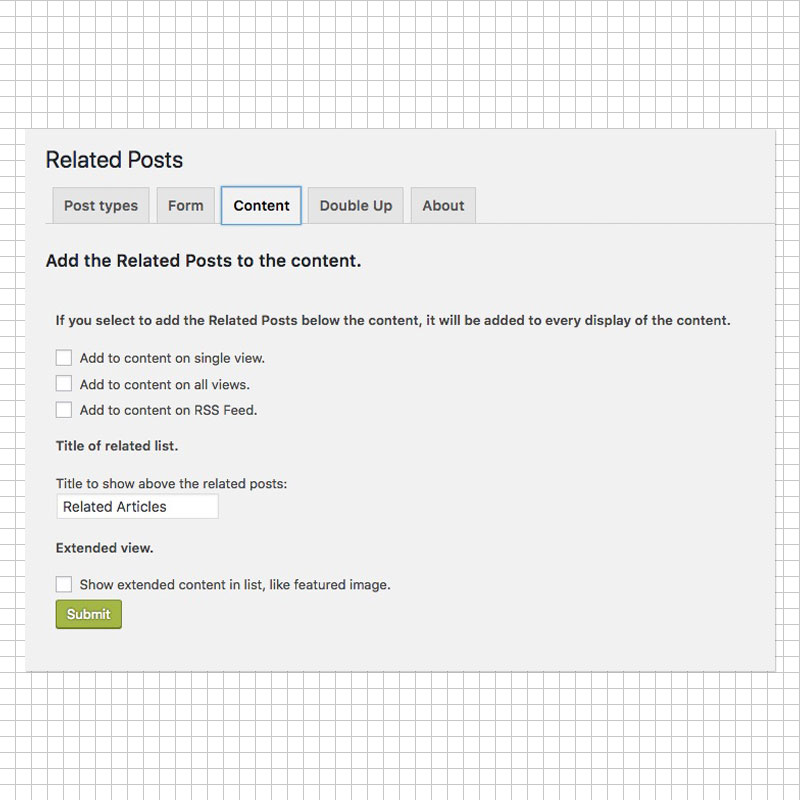
Figure 02 – Content Panel
Now, here’s the trick. Until you select an option in this panel the lists will not show up on your webpage. Of course you can try out different configuration variations and test to see what the results are. -
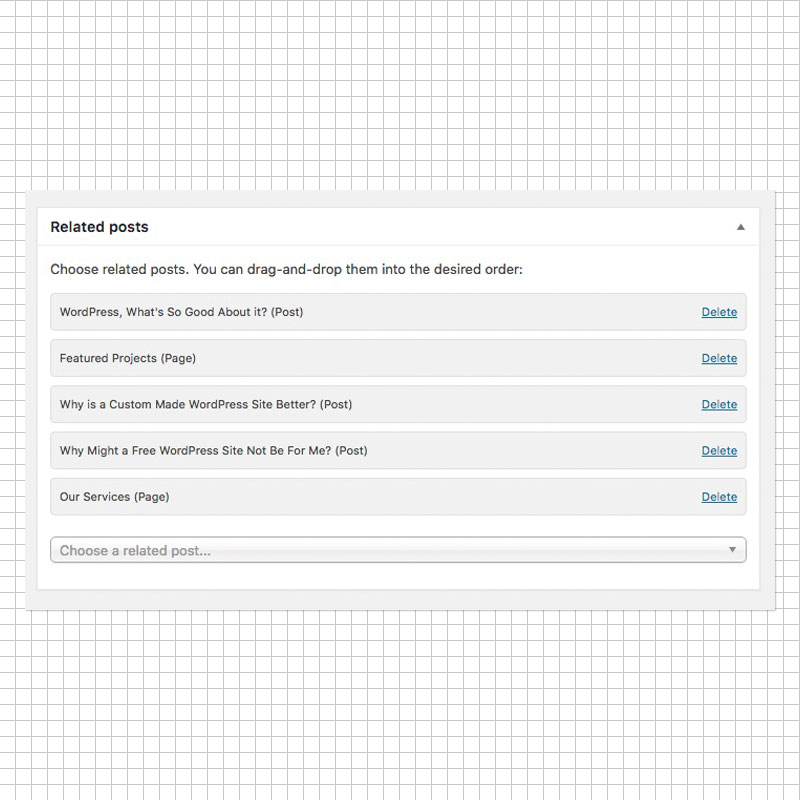
Figure 03 – Drag & Drop Interface
Very simple, very effective Drag & Drop feature that let’s you easily position the posts in the order you wish them to appear.
Listing Placement On Page
By default, if you check any of the boxes with no editing of template files your list(s) will appear at the bottom of the post. The exact location will depend on other plugins that you have installed. If you require a finer degree of control then there are other options you can employ.
You may have noticed in the Figure 2 graphic that I had not selected any Content Areas. This was because I wished to have a custom location. To achieve this you can use the hooks supplied.
Features
- You can choose from posts, pages or custom post types.
- Reorder your posts via drag and drop.
- Lightweight code and database requests.
- Also includes a Widget to show posts.
- Custom markup is possible, build your own carousel.
- Built in support for multi-language plugins like WPML.
- Doubled Up is included to build a second list.
In Conclusion
Excellent utility that does “exactly what it says on the tin”. If like me, you wish to create lists manually and with ease then this is the tool to use. It removes “luck” by having the choice of which elements to link to and position via a smooth drag and drop interface.
Further Reading
- Download The Plugin (wordpress.org)
- Custom Array for Related Posts (wordpress.org)
- Plugin Developer (Marcel Pol) (zenoweb.nl)
- WordPress Multilingual Plugin (WPML) (wpml.org)


